Start a captioned avatar
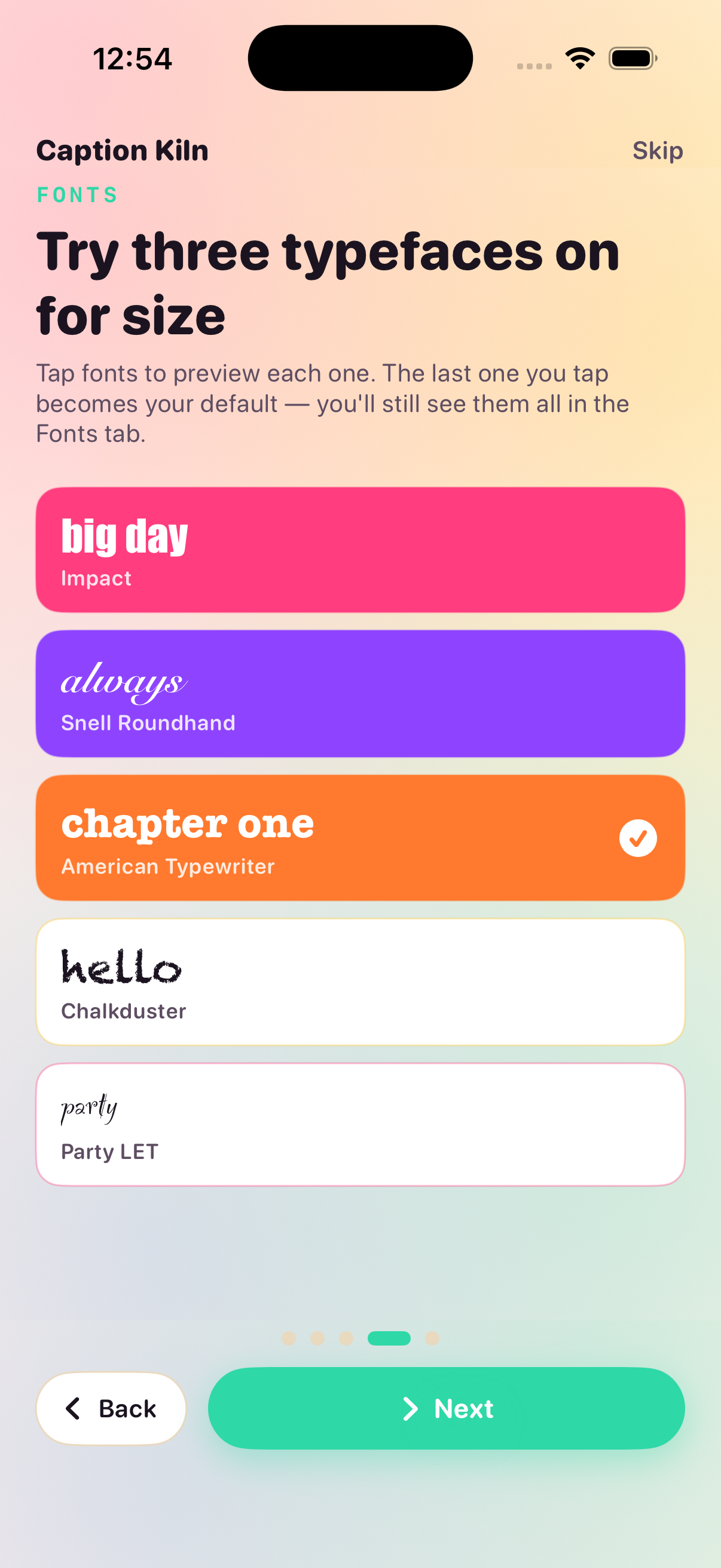
Pick any photo from your library, borrow a line from a curated pack or type your own, then style it with script, serif, display, retro, mono, or playful typefaces.
Photo & Video
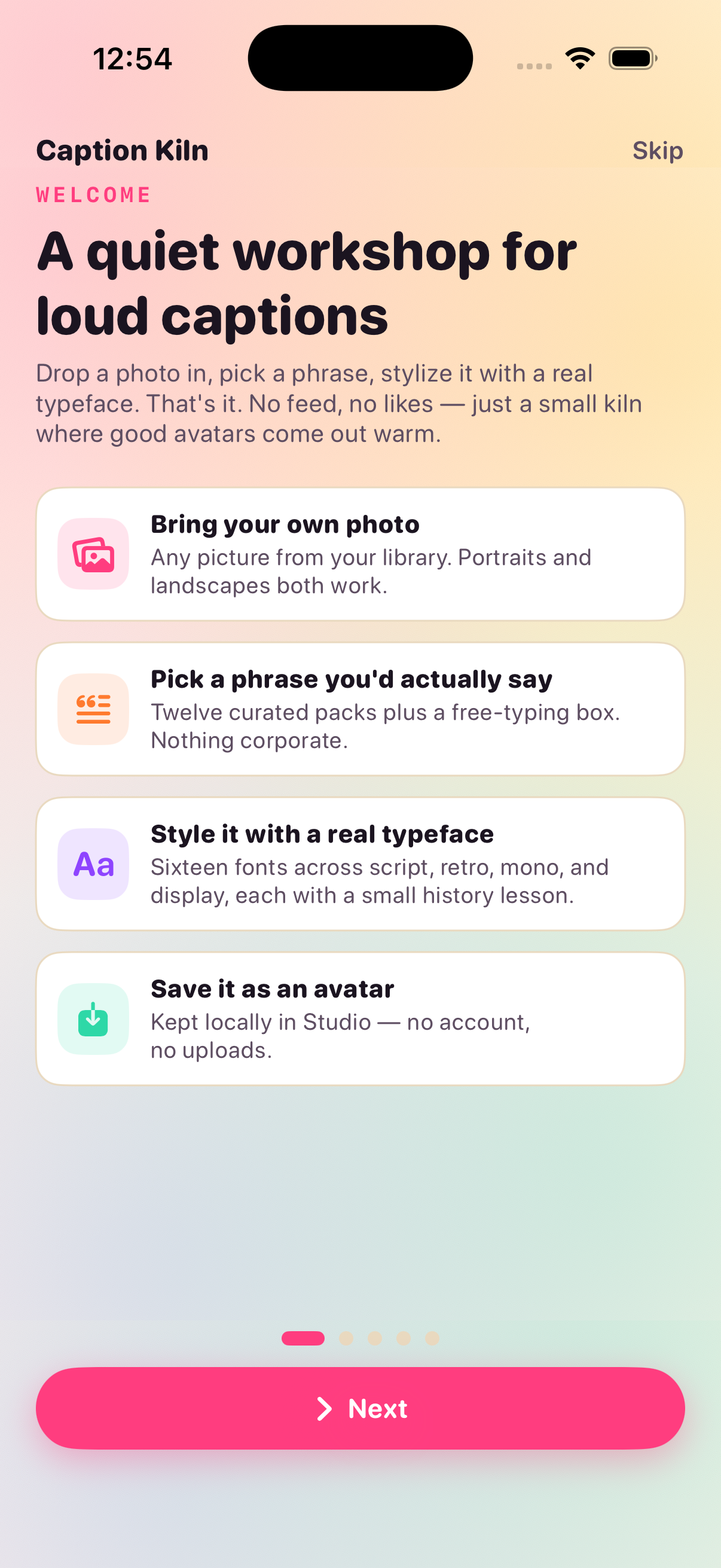
A quiet workshop for loud captions
Drop a photo in, pick a phrase you'd actually say, and pair it with a real typeface. Six styles, twelve packs, sixteen fonts — warmed on your device.


Inside the app
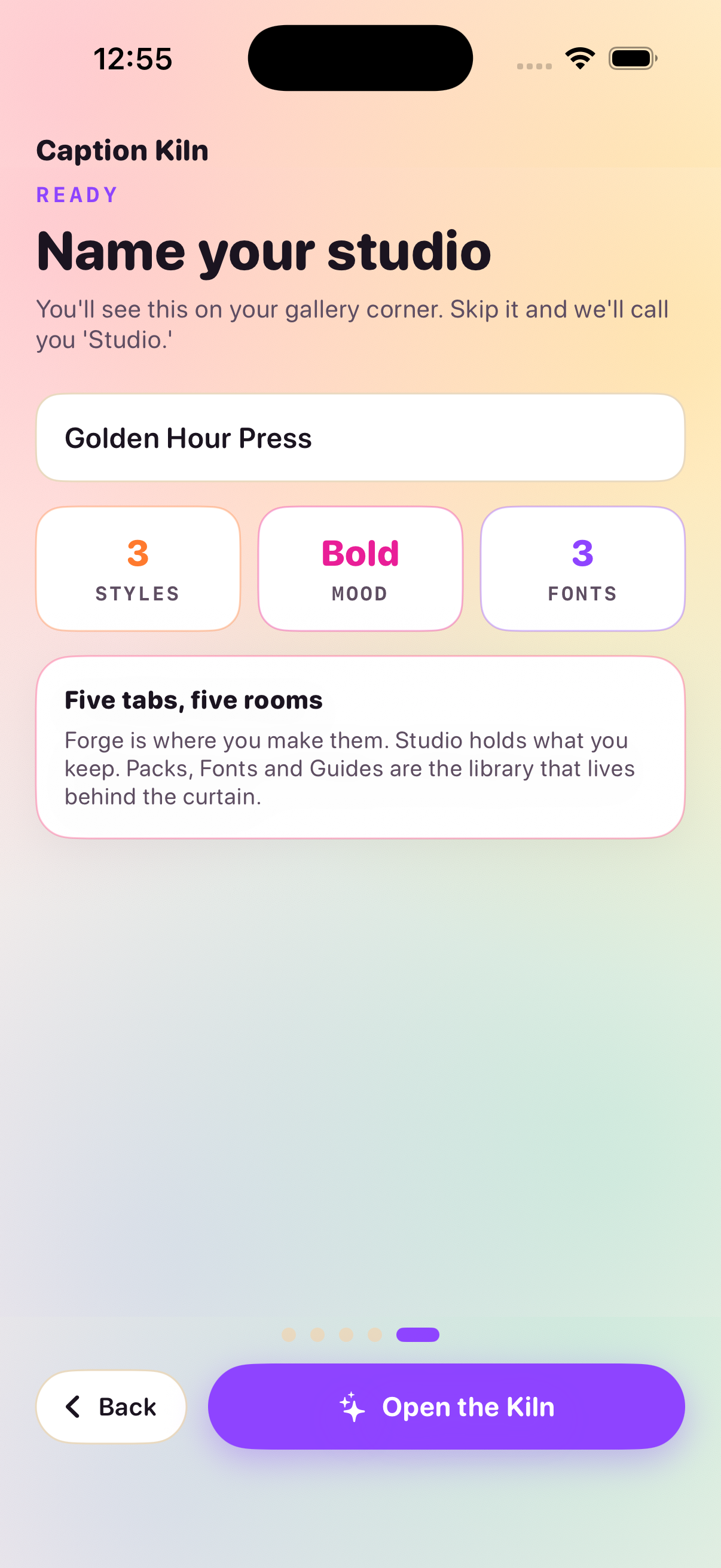
Forge, Studio, Packs, Fonts, and Guides each do one job well — so you can move from photo to captioned avatar without hunting through menus.
Pick any photo from your library, borrow a line from a curated pack or type your own, then style it with script, serif, display, retro, mono, or playful typefaces.
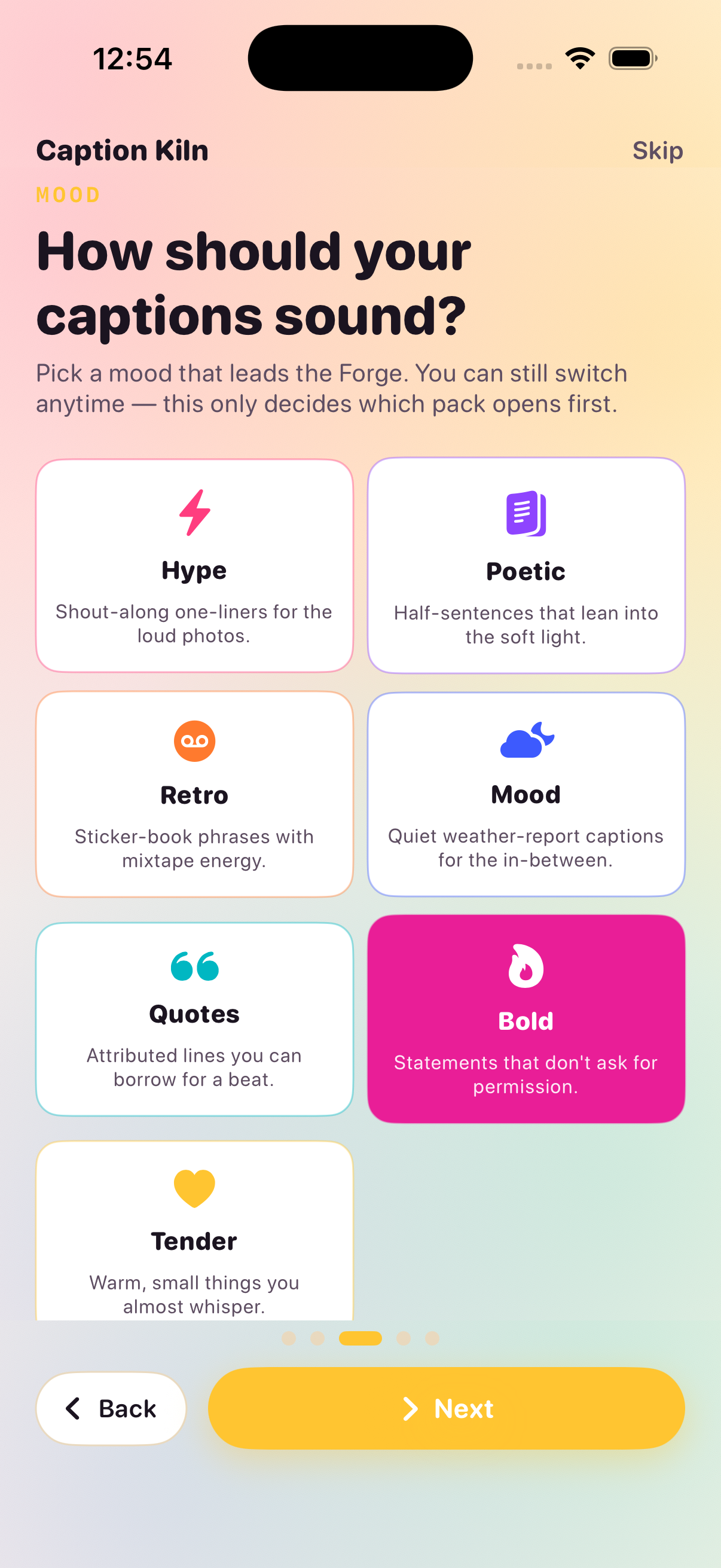
Browse hype, poetic, retro, mood, quotes, bold, and tender packs. Pin favorites, search lines, and open any pack to see every phrase inside.
Every avatar you save lands in your personal gallery with the fonts and styles you used. Revisit them whenever you need a fresh profile picture.
Opinionated essays on typography, composition, color, and caption tone — written for people who put words on photos, not step-by-step tutorials.
Screens
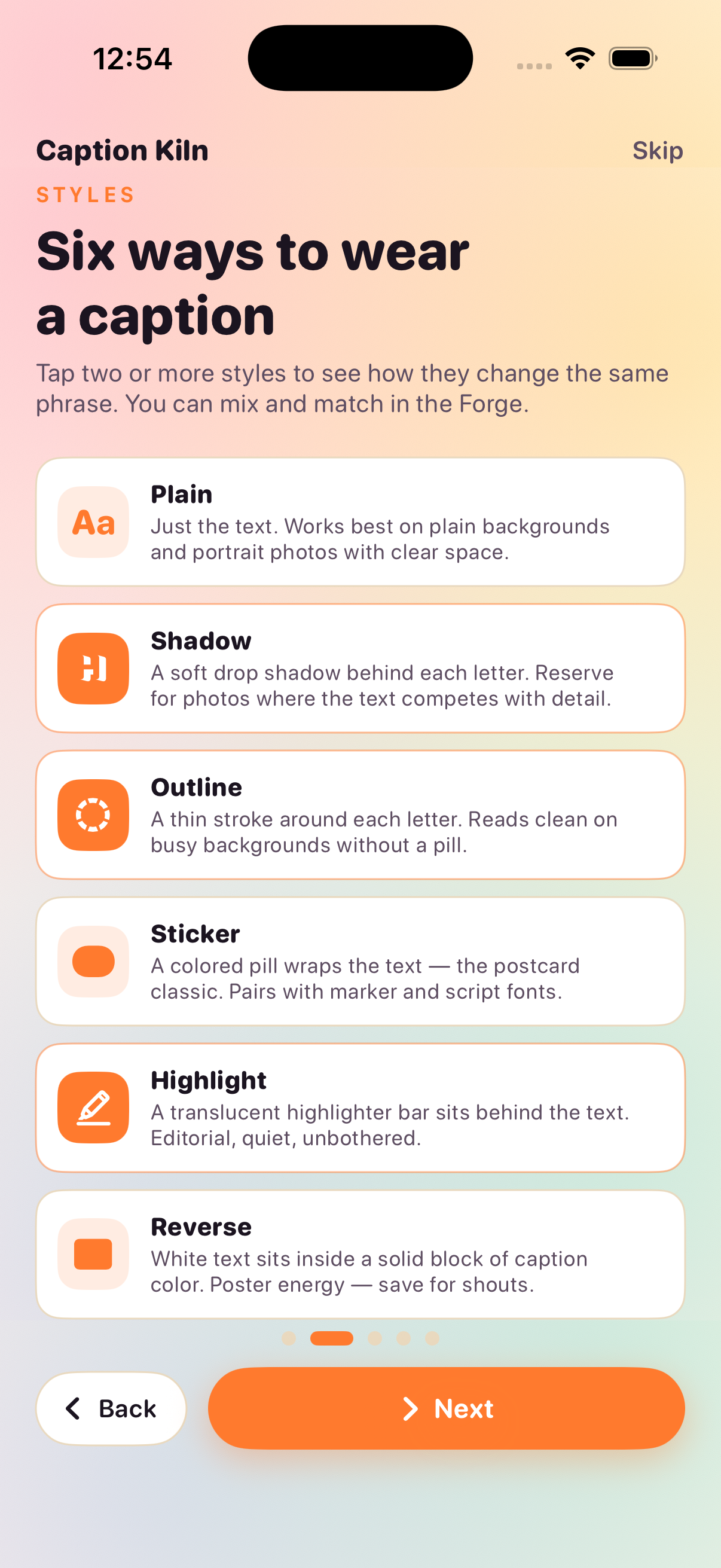
A warm paper palette, six caption styles, and a Forge that stays out of your way until you're ready to save.
Effective date: August 21, 2026
aption Kiln does not collect personal data. Photos you choose, phrases you write, and avatars you save are stored locally on your device. The app does not upload your library images or finished avatars to our servers.
Caption Kiln may request access to your photo library so you can import pictures into the Forge. That access is used only to display and edit the images you select. We do not analyze, sell, or share your photos.
If you contact us by email, we use your message address only to respond to your request. We do not send marketing messages through the app.
We may update this policy when the app changes. Continued use of Caption Kiln after an update means you accept the revised policy.
eed help with Forge, packs, fonts, or saving avatars to Studio? Write to us and include your iOS version and a short description of what happened.
Email: ceokatjaprebil@zikomdoo.org
We typically reply within two business days.